
It Takes Two PS4: Co-Op Setup, Friend’s Pass & More
Play It Takes Two PS4 with a partner using couch co-op or Friend’s Pass. Learn controller setup, online requirements, and latest cross-play compatibility.
Jump to
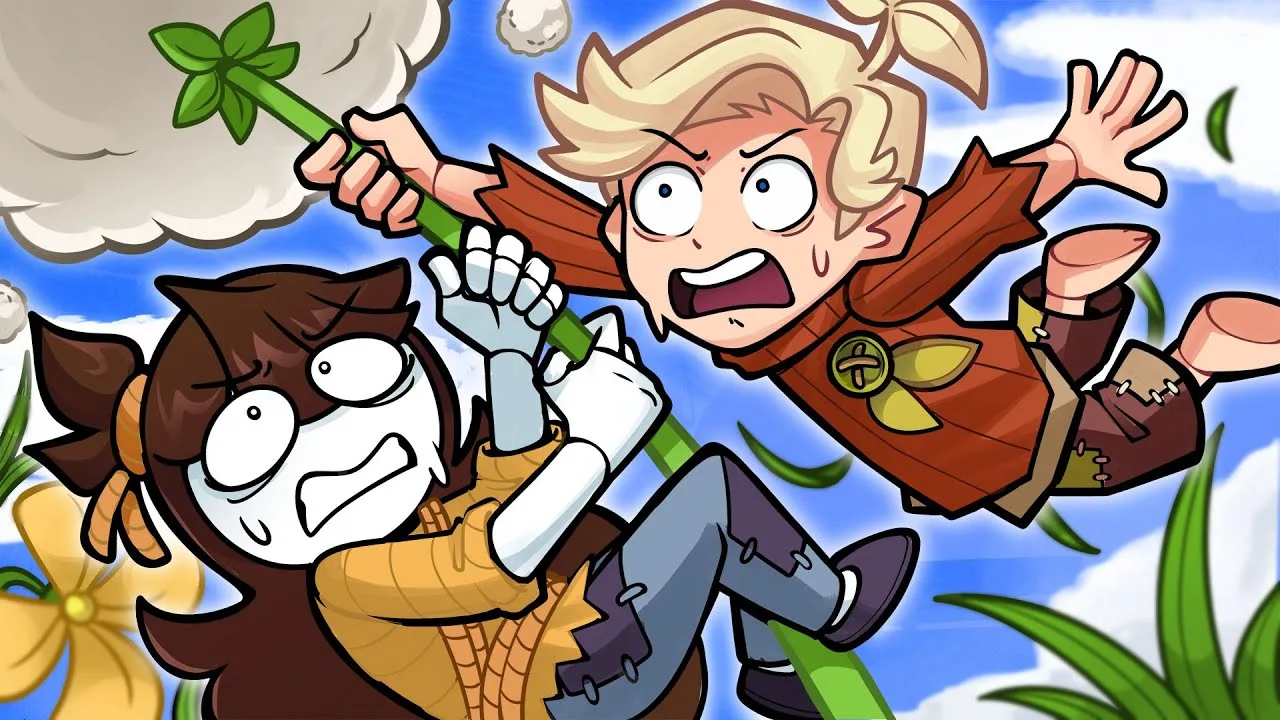
Can You Play It Takes Two on PS4?
It Takes Two PS4 turns a shared gaming session into an adventure where both players have something essential to do. You can play the full story together on one console or connect online, so choosing your setup determines which controllers, accounts, and subscriptions you need. This It Takes Two PS4 guide walks you through local co-op, Friend’s Pass, and the cross-play update released on October 15, 2026.
Developed by Hazelight Studios and published by Electronic Arts, the game launched on PS4 on March 26, 2021. You control Cody and May, parents whose troubled relationship becomes considerably more complicated when they turn into dolls.
Their journey combines platforming, puzzles, action, and competitive minigames. Cooperation drives the entire campaign: there is no single-player mode or computer-controlled partner to take the other role.
| Feature | It Takes Two on PS4 |
|---|---|
| Campaign players | Two |
| Local multiplayer | Split-screen co-op on one console |
| Online multiplayer | Two-player co-op |
| Second copy required | No, when joining a full-game owner through Friend’s Pass |
| PlayStation Plus | Required for both players playing together online |
| Offline couch co-op | Supported without an internet connection |
The distinction between local and online play matters. Sitting together requires one PS4, the full game, and two controllers. Playing from separate consoles adds online account and subscription requirements, but Friend’s Pass lets your partner join without buying another copy.
You can find the game and its download options on the It Takes Two PlayStation page.
How to Set Up Local Co-Op on PS4
For It Takes Two PS4 couch co-op, connect both DualShock 4 controllers and assign them to separate local users. The second player can use a guest profile, so they do not need to sign into a separate PSN account for this setup.
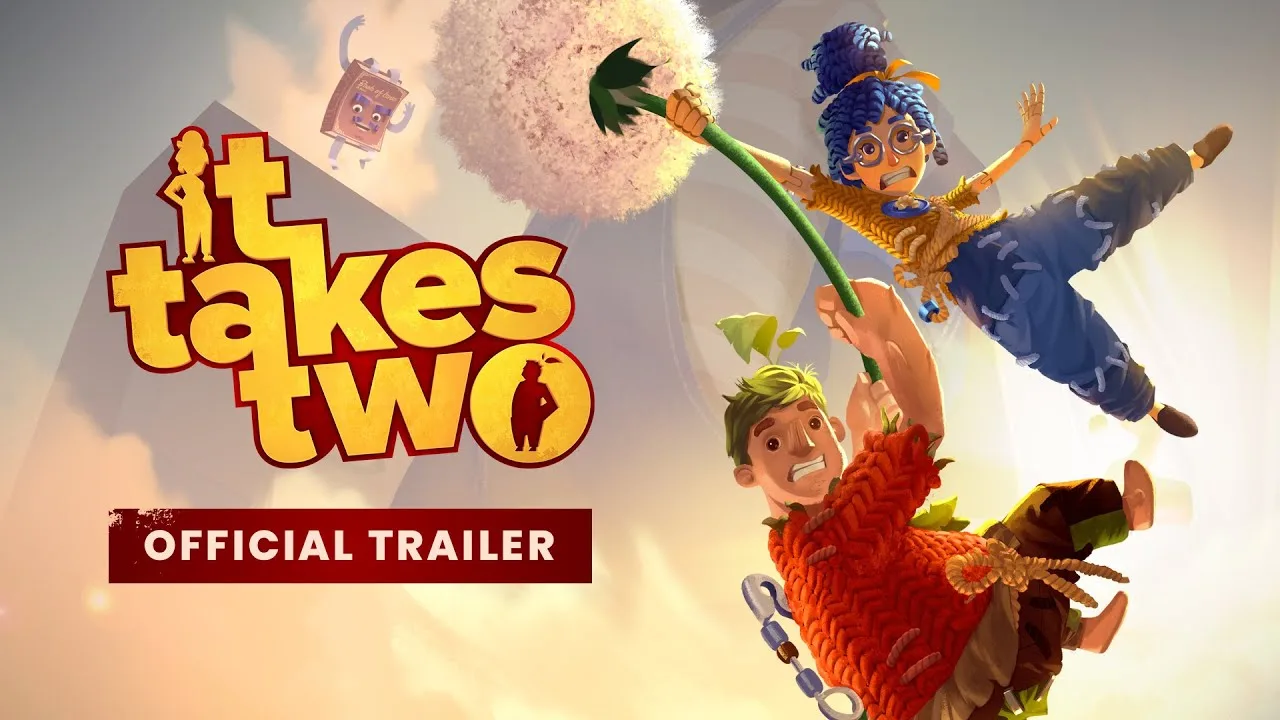
Start the game with your primary controller, then choose Play Local. Once the other controller is connected and assigned to its user, the second player can join.
Connect the Second Controller
If your second DualShock 4 needs Bluetooth pairing, use the PS4 settings menu before returning to the game.
| Step | Action |
|---|---|
| Open controller settings | From the PS4 home screen, go to Settings → Devices → Bluetooth Devices. |
| Enter pairing mode | Hold the second controller’s PS and SHARE buttons together until its light flashes. |
| Register the controller | Select the detected DUALSHOCK 4 and confirm registration. |
| Assign a separate user | Choose another local user, or select New User → Play as a Guest → Do Not Sign In. |
| Join the game | Return to Play Local, press X on the second controller, then select Proceed. |
After both players join, choose Cody and May and begin your session. Each player controls one character, with split-screen giving you a view of both sides of the action.
You do not need Friend’s Pass on the same console. That download lets another player join remotely; local multiplayer runs through the full game already installed on your PS4.
If the Second Player Cannot Join
Check the controller assignment before changing anything inside the game. Both controllers need their own local user selection. Assign the second controller to a different profile or guest, then return to the local lobby and press X again.
If the controller has not paired, repeat the Bluetooth registration process and wait for its flashing light before selecting it.
Once the game is installed and ready, couch co-op needs neither PlayStation Plus nor an internet connection. This makes the local setup straightforward: connect the controllers, join the lobby, and choose your characters.
How Friend’s Pass and Online Co-Op Work
Friend’s Pass lets someone who owns the full game invite another person to play online without that friend purchasing a second copy. For an It Takes Two PS4 session across separate PlayStation consoles, the invited player downloads Friend’s Pass and joins the owner’s invitation.
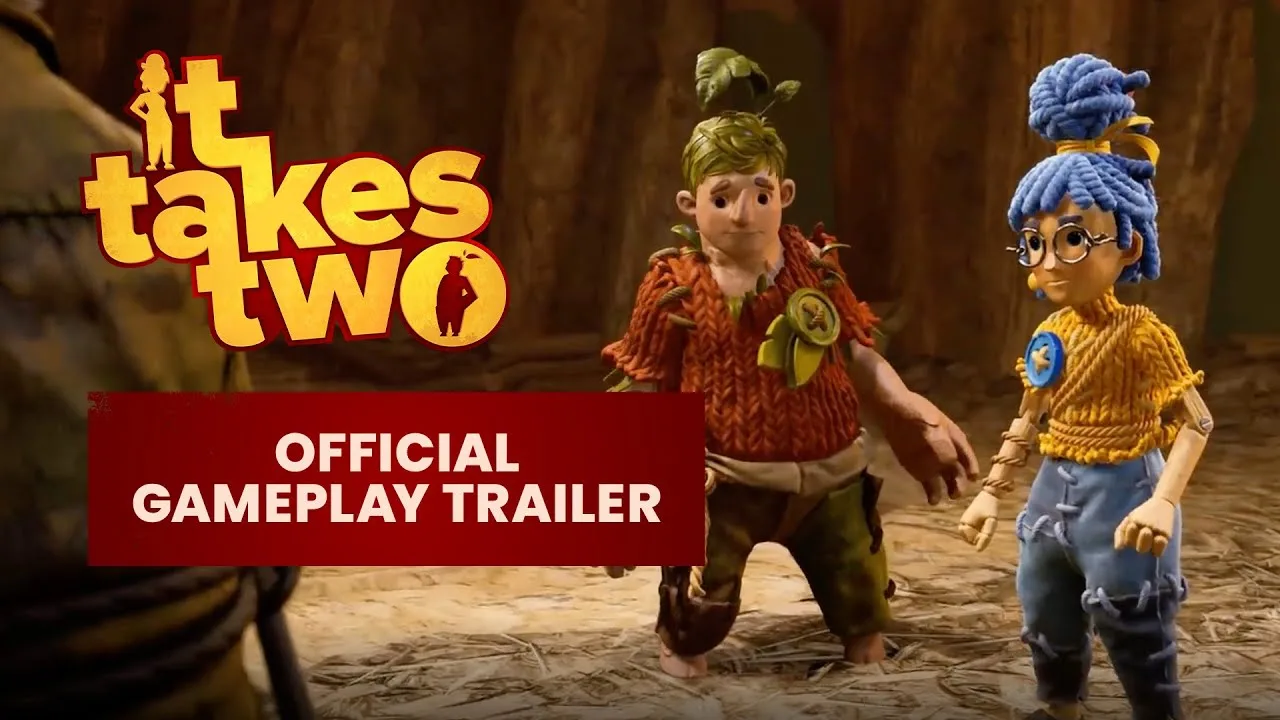
The free download provides access through that shared session. It does not give the invited player independent ownership of the full game.
Prepare Both Players Before Sending an Invite
Use this checklist before starting:
- Have one player install the full game.
- Have the joining player install Friend’s Pass if they do not own the game.
- Sign into each player’s PSN account.
- Make sure both PlayStation players have PlayStation Plus for online co-op.
- Update the game before connecting.
Friend’s Pass removes the second game purchase. It does not remove PlayStation’s online subscription requirement.
The host can invite one friend at a time. You can invite a different person after the previous partner stops playing, so ownership does not permanently bind you to a single co-op partner.
Who Controls Campaign Progress?
The full-game owner hosts the session and determines where play begins. The host can start a new game, continue from a saved session, or choose a chapter they have already unlocked.
Talk about the starting point before joining. Choose a new game together if you want to experience the story from the beginning, or have the host select the appropriate unlocked chapter when returning to an earlier section.
Progress also matters if the Friend’s Pass player later buys the game. Their saved participation carries over, and chapters up to that saved point become available to them. They can then host and continue from that progress or select an earlier unlocked chapter.
For It Takes Two PS4 players sharing the campaign remotely, that means a later purchase does not require abandoning progress already made together.
PS4 Cross-Play: What Changed in October 2026?
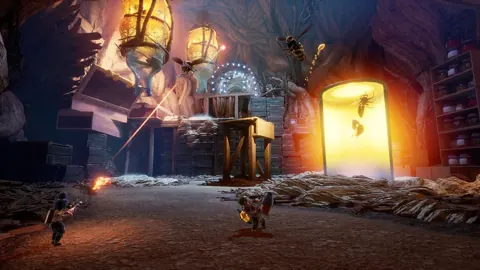
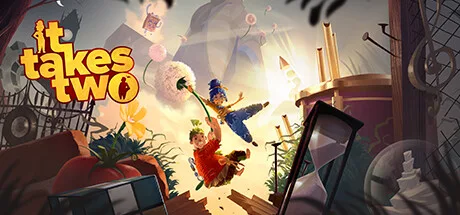 Image: Steam / Hazelight Studios
It Takes Two added cross-platform online play on October 15, 2026. PS4 players can now connect with players on the supported platforms below after updating the game.
Earlier compatibility information described cross-generation multiplayer within PlayStation. The October 2026 update expanded online compatibility beyond the PlayStation family.
| Your Platform | Partner’s Platform | Online Compatibility After the Update |
|---|---|---|
| PS4 | PS4 | Supported |
| PS4 | PS5 | Supported |
| PS4 | PC | Supported |
| PS4 | Xbox One | Supported |
| PS4 | Xbox Series X|S | Supported |
| PS4 | Nintendo Switch 2 | Supported |
Update both players’ installations before organizing a session across platforms. The new compatibility applies to the current game version, so keeping an older installation creates an avoidable obstacle when preparing to connect.
Notice the Nintendo hardware named in that list: Nintendo Switch 2. The October update’s supported platform lineup includes that system.
For an It Takes Two PS4 player teaming up with someone on PS5, cross-generation play remains supported. That pairing already worked before the wider cross-play update, and the PlayStation save system also supports cross-generation functionality.
Cross-play changes who can join you remotely. It does not change the campaign’s two-player structure, replace the need for a partner, or turn local split-screen into a larger multiplayer mode.
What to Expect From the PS4 Adventure
The appeal of It Takes Two PS4 comes from how often your responsibilities change. Cody and May regularly receive different tools, and those tools interact with each other or the environment.
You are both active participants. One player might prepare a target while the other triggers an effect, or one might manipulate an object while their partner uses the opening.
| Gameplay Mechanic | How Cooperation Works |
|---|---|
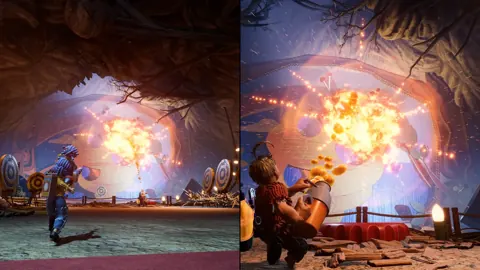
| Sap Gun and Match Gun | Combine sap and ignition to create explosions; the tools also help manipulate obstacles and open routes. |
| Magnet powers | Use attraction and repulsion to navigate hazards and solve movement challenges. |
| Time manipulation and cloning | Cody reverses objects through time while May creates a clone and swaps positions with it. |
| Optional minigames | Take a break from shared objectives to compete against your partner. |
The story gives these mechanics a purpose. A section about Cody and May’s relationship with time becomes a puzzle involving time control and being in different places. Their lost attraction becomes something you physically manipulate through magnets.
That connection keeps the adventure moving between playful ideas without separating the puzzles from the characters’ problems.
Coordinate Around Your Different Abilities
Describe what your current tool does before attempting a shared obstacle. Tell your partner which object you can affect, where you need them to stand, or what action you need them to trigger.
With the Sap Gun and Match Gun, agree on the target before firing. During time puzzles, coordinate Cody’s object manipulation with May’s position and clone placement. When magnet powers arrive, pay attention to how pushing and pulling affect the route ahead.
Use your partner’s half of the screen to understand their role. Split-screen remains part of online play, too, allowing you to see what the other player is doing even when you are on separate consoles.
Leave Room for Minigames and Exploration
Explore the interactive scenery together instead of treating every room as a corridor to the next objective. The environments include playful interactions, and optional minigames let you challenge each other between cooperative sequences.
The main campaign asks you to collaborate; these diversions give you space to compete. Stop for them when you want a change of pace without leaving the adventure.
Understand the Story’s Tone
Behind the colorful environments is a story about separation, parenting, and learning to communicate. Cody and May’s daughter, Rose, is central to the premise, while the talking relationship book Dr. Hakim pushes the couple into increasingly unusual challenges.
The game carries an ESRB Teen rating for animated blood, comic mischief, fantasy violence, and language. Consider those themes and the rating when planning a family session.
If you want an adventure built around shared problem-solving, prepare your controllers or online accounts, choose your partner, and give each new ability room to surprise you.
FAQ
Can You Play It Takes Two PS4 Alone?
No. The campaign requires two human players, either together on one console or connected online. There is no single-player mode or AI partner.
Do Both Players Need to Buy It Takes Two?
No. Local co-op uses one full copy on the same console. For online play, a full-game owner can invite a friend using the free Friend’s Pass download.
Do You Need PlayStation Plus for Couch Co-Op?
No. Local split-screen does not require PlayStation Plus or an internet connection. Both PlayStation players need PlayStation Plus when playing together online.
Can PS4 Players Join Friends on PC or Xbox?
Yes. The October 15, 2026 update added cross-play between PS4, PS5, PC, Xbox One, Xbox Series X|S, and Nintendo Switch 2. Update the game before connecting across platforms.
Continue with
 It Takes Two PS5: Co-Op, Friend's Pass and CrossplayPlay It Takes Two PS5 with couch co-op, Friend's Pass, and updated crossplay. Learn what you need, how online play works, and how to team up with a friend.
More in Platforms
It Takes Two Mac: How to Play With Friends in 2026
Play It Takes Two mac with cloud gaming or CrossOver. Compare options, Steam requirements, Friend's Pass, and cross-play before you team up with a friend.
It Takes Two Switch 2: Free Upgrade and Cross-Play Guide
Play It Takes Two Switch 2 with a free upgrade for eligible owners, cross-play, and Friend’s Pass. Learn the price, regional rules, and co-op setup today.
It Takes Two Switch Guide: Co-Op, Cross-Play & Setup
Explore It Takes Two Switch co-op, controller requirements, Friend's Pass, and Switch 2 upgrades. Get ready to team up locally or play online with friends.
It Takes Two Xbox Guide: Co-Op, Cross-Play, and More
Play It Takes Two on Xbox One or Xbox Series X|S with local or online co-op. Team up as Cody and May as their familiar surroundings become huge obstacles.
Continue exploring
Join the community
Official channels for news, updates and player help: