
It Takes Two Mac: How to Play With Friends in 2026
Play It Takes Two mac with cloud gaming or CrossOver. Compare options, Steam requirements, Friend's Pass, and cross-play before you team up with a friend.
Jump to

Can You Play It Takes Two on a Mac?
Your Mac can get you into Cody and May’s co-op adventure, even though the game has no native macOS version. Your It Takes Two Mac setup determines whether you stream the game or run its Windows version through a compatibility layer. Choose your It Takes Two Mac method before buying so your game license, controls, and partner’s setup fit together.
The Steam version supports Windows, with macOS marked unsupported. Installing Steam on your Mac therefore doesn’t give you a directly playable Mac edition.
There are still several routes into the game: Boosteroid, GeForce Now, Xbox Cloud Gaming, and CrossOver. The Steam edition also supports Remote Play Together.
The distinction matters because these methods handle the demanding work differently. Cloud services run the game remotely and stream the picture to your Mac. CrossOver uses your Mac’s hardware to run the Windows game through translation layers.
Whichever route you choose, bring a partner. It Takes Two is built entirely around co-op play, with connected character abilities and challenges that require both players to participate.
Compare the It Takes Two Mac Cloud Options
Cloud gaming avoids installing the full Windows game locally. Your connection becomes a major part of the experience, especially when a platforming sequence demands quick reactions from both players.
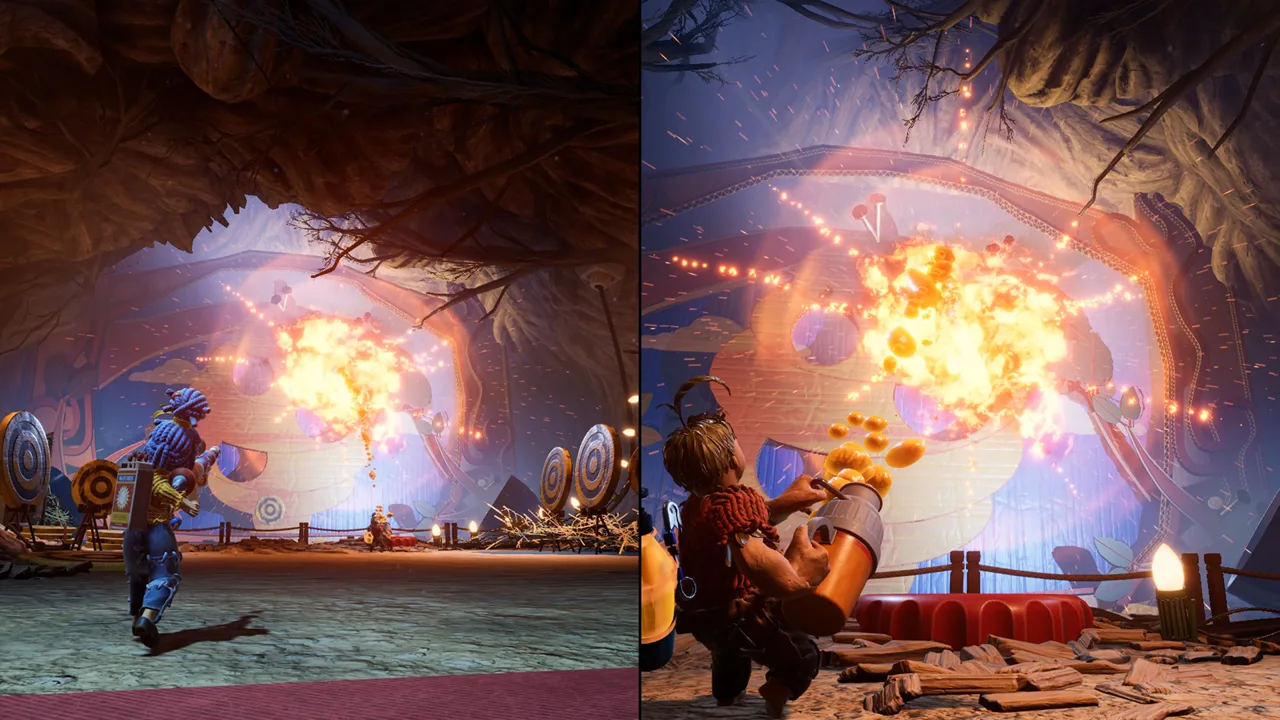 Image: Steam / Hazelight Studios
Check the supported storefront before purchasing. Owning the game through one store doesn’t automatically make that copy usable through every streaming service.
| Service | Game access | Setup essentials |
|---|---|---|
| Boosteroid | Steam version | Service subscription, supported Steam copy, and stable internet |
| GeForce Now | Steam and EA versions | Service account, supported game access, and the macOS app |
| Xbox Cloud Gaming | Xbox cloud version | Game Pass Ultimate and a game purchase; use a connected controller on Mac |
The Epic Games version is outside the supported options described here for Boosteroid and GeForce Now. If you already own that edition, check storefront compatibility before paying for either service.
Boosteroid
Boosteroid’s setup centers on the Steam edition. Register for the service, activate a subscription, find It Takes Two, and launch it using your Steam access.
Keep the subscription and game purchase separate in your budget. Paying for streaming access doesn’t replace owning the supported game.
For your It Takes Two Mac session, prioritize a steady connection over chasing maximum resolution. Start with a manageable stream setting, then increase image quality once movement and camera control feel responsive. Use a wired connection when possible and keep large downloads out of your play session.
GeForce Now
GeForce Now supports the Steam and EA editions. Create an account, choose a plan, install the macOS app, and search for It Takes Two. Select the supported storefront that matches your copy, then sign in to launch.
Around 40 Mbps is a useful connection target for a 1080p, 60 fps session. Higher-resolution streaming places greater demands on your connection and service plan; bandwidth alone doesn’t guarantee a particular frame rate or response time.
Choose your storefront carefully during setup. If you own the Steam edition, selecting the EA edition’s launch option won’t turn it into an EA purchase.
Xbox Cloud Gaming
Xbox Cloud Gaming gives you another streaming route. Open the It Takes Two Xbox Cloud Gaming page, sign in, and review the access requirements before subscribing.
The requirements include Xbox Game Pass Ultimate and a game purchase. Connect a compatible controller to your Mac before launching. Build your setup around controller play rather than relying on keyboard and mouse.
Also separate online co-op from couch co-op when choosing a service. Before subscribing for two people sharing one Mac, check how that service handles both players’ inputs.
Run It Takes Two Locally With CrossOver
CrossOver is the It Takes Two Mac option that uses your own hardware. It translates Windows software for macOS rather than streaming the game from a remote server.
 Image: Steam / Hazelight Studios
That removes the cloud-streaming requirement, but hardware and software compatibility take on more importance. CrossOver updates, macOS changes, and game updates can affect whether a working configuration keeps working.
The Steam edition provides a straightforward starting point because it no longer requires the EA App launcher. That removes an extra launcher from the setup, although online play still requires an EA account linked to Steam.
| CrossOver component | Setting or requirement |
|---|---|
| Game edition | Steam version |
| Graphics option | D3D Metal |
| Synchronization option | MSync |
| Trial period | 14 days |
| Game storage | 50 GB for the Windows installation |
Use the trial to check your actual Mac before committing to CrossOver. The game’s Windows specifications are not equivalent Mac requirements: an advertised PC memory or graphics requirement doesn’t establish how an Apple silicon configuration will perform.
Follow this setup sequence:
- Download and install CrossOver.
- Select the trial option if you’re evaluating it.
- Install the Windows version of Steam through CrossOver.
- Download It Takes Two from your Steam library.
- Enable D3D Metal and MSync for the game’s bottle.
- Launch the game and check performance before arranging a longer co-op session.
For an It Takes Two Mac setup on an M1 Air, lower settings are the sensible starting point. M1 Pro and higher-end Apple silicon systems offer more hardware headroom, but avoid carrying expectations from one chip directly to another.
Reduce graphics settings if movement stutters or the split-screen presentation becomes difficult to follow. Focus on steady play before increasing visual detail. Both players need a readable view, particularly when Cody and May are handling different tasks simultaneously.
Keep the full installation in mind, too. The Windows game requires 50 GB of available storage; CrossOver and Steam also occupy space. Leave room for the supporting software instead of planning around the game download alone.
Set Up Friend’s Pass, Remote Play, and Cross-Play
Getting the game running is only half of your It Takes Two Mac setup. Next, choose how your partner joins.
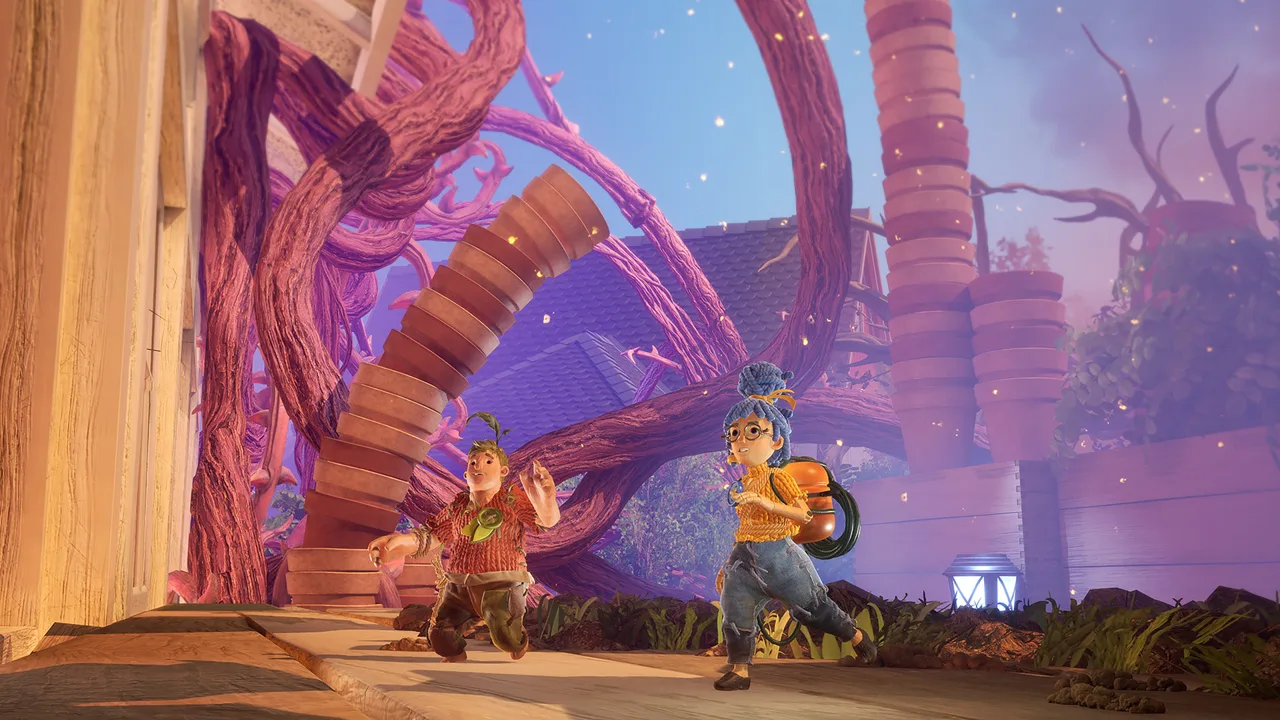 Image: Steam / Hazelight Studios
Friend’s Pass and Steam Remote Play Together are supported co-op options. Friend’s Pass lets a second player join a full-game owner through online co-op. Steam Remote Play Together does not require an EA account.
| Play method | How the session works | Account or access detail |
|---|---|---|
| Local co-op | Both players share one running game | Steam local play does not require an EA account |
| Friend’s Pass | A partner joins a full-game owner online | Install the appropriate Friend’s Pass and use the applicable platform account |
| Steam Remote Play Together | Supported co-op feature in the Steam edition | An EA account is not required |
| Steam online co-op | Players connect through online play | Link an EA account to Steam |
Use the Current Steam Friend’s Pass
Friend’s Pass lets a full-game owner invite a partner to play the full adventure.
For Steam invitations, have your partner install the current Steam Friend’s Pass. This version supports invitations through the Steam friends list without requiring the EA App launcher.
The older EA App Friend’s Pass uses EA invitations instead. If that version opens the EA App, install the newer Steam version to use Steam friends invitations.
When connecting a Steam player with someone using the EA edition, choose the EA Friends List option inside the game. EA invitations are visible while It Takes Two is running, so have both players open the game before sending one.
Use the October 2026 Cross-Play Update
As of October 15, 2026, online cross-play connects PC, Xbox Series X|S, Xbox One, PlayStation 5, PlayStation 4, and Nintendo Switch 2.
Update the game before trying to connect across those platforms. The original Nintendo Switch is outside that cross-play platform list.
Cross-play doesn’t create a native Mac edition. A Mac running the Windows game through CrossOver still uses the PC game, while a cloud service streams its supported platform version.
Consider Remote Play Together
The Steam edition supports Remote Play Together without requiring an EA account. Steam also supports invitations through the Steam friends list for online play, which requires a linked EA account.
Keep it distinct from Friend’s Pass when deciding which invitation method to use.
Fix Common It Takes Two Mac Setup Problems
Start with the part of your setup that matches the problem. A storefront mismatch needs a different fix from an invitation issue or an unstable stream.
| Problem | What to check | Action |
|---|---|---|
| Steam won’t offer a playable macOS installation | Native platform support | Use streaming or install Windows Steam through CrossOver |
| A cloud service won’t launch your copy | Supported storefront | Match the launch option to your Steam or EA ownership |
| The EA App opens with Friend’s Pass | Installed Friend’s Pass edition | Install the newer Steam Friend’s Pass for Steam invitations |
| Online Steam play requests an EA account | Account linking | Link your EA account when selecting Play Online |
| An EA invitation doesn’t appear | Whether the game is running | Open It Takes Two before sending or accepting the invitation |
For streaming problems, lower the stream resolution and check connection stability before increasing visual settings. A fast download speed doesn’t make an interrupted connection suitable for responsive co-op.
For CrossOver problems, recheck D3D Metal and MSync after changing your configuration. Use the trial period to test both gameplay and your intended co-op connection.
Finally, keep launcher changes separate from account requirements. The Steam edition no longer needs the EA App, but direct online play still uses EA account linking. Local Steam play and Remote Play Together don’t require that account.
FAQ
Is there a native It Takes Two Mac version?
No. It Takes Two has no native macOS version. Mac players can use cloud gaming or run the Windows edition through CrossOver.
Can you play It Takes Two on an M1 Mac?
CrossOver offers a route on Apple silicon Macs, including M1 systems. Start with reduced settings on an M1 Air and use CrossOver’s trial to check performance. Cloud gaming runs the game remotely instead of relying on the Mac to render it.
Do both players need to buy It Takes Two?
No. Friend’s Pass lets a partner join a player who owns the full game. Streaming subscriptions are separate access costs, so check your chosen cloud service’s requirements for each player.
Can a Mac player join someone on PlayStation or Xbox?
The October 15, 2026 update adds cross-play between PC and the supported Xbox, PlayStation, and Nintendo Switch 2 platforms. A Mac using the Windows game through CrossOver follows the PC route. Update the game before connecting across platforms.
Continue with
 It Takes Two PS4: Co-Op Setup, Friend’s Pass & MorePlay It Takes Two PS4 with a partner using couch co-op or Friend’s Pass. Learn controller setup, online requirements, and latest cross-play compatibility.
More in Platforms
It Takes Two PS5: Co-Op, Friend's Pass and Crossplay
Play It Takes Two PS5 with couch co-op, Friend's Pass, and updated crossplay. Learn what you need, how online play works, and how to team up with a friend.
It Takes Two Switch 2: Free Upgrade and Cross-Play Guide
Play It Takes Two Switch 2 with a free upgrade for eligible owners, cross-play, and Friend’s Pass. Learn the price, regional rules, and co-op setup today.
It Takes Two Switch Guide: Co-Op, Cross-Play & Setup
Explore It Takes Two Switch co-op, controller requirements, Friend's Pass, and Switch 2 upgrades. Get ready to team up locally or play online with friends.
It Takes Two Xbox Guide: Co-Op, Cross-Play, and More
Play It Takes Two on Xbox One or Xbox Series X|S with local or online co-op. Team up as Cody and May as their familiar surroundings become huge obstacles.
Continue exploring
Join the community
Official channels for news, updates and player help: