
It Takes Two Unable To Connect To EA Servers: Fixes
It Takes Two unable to connect to ea servers? Fix online play with account checks, Steam invite tips, Switch clock settings, and network troubleshooting.
Jump to
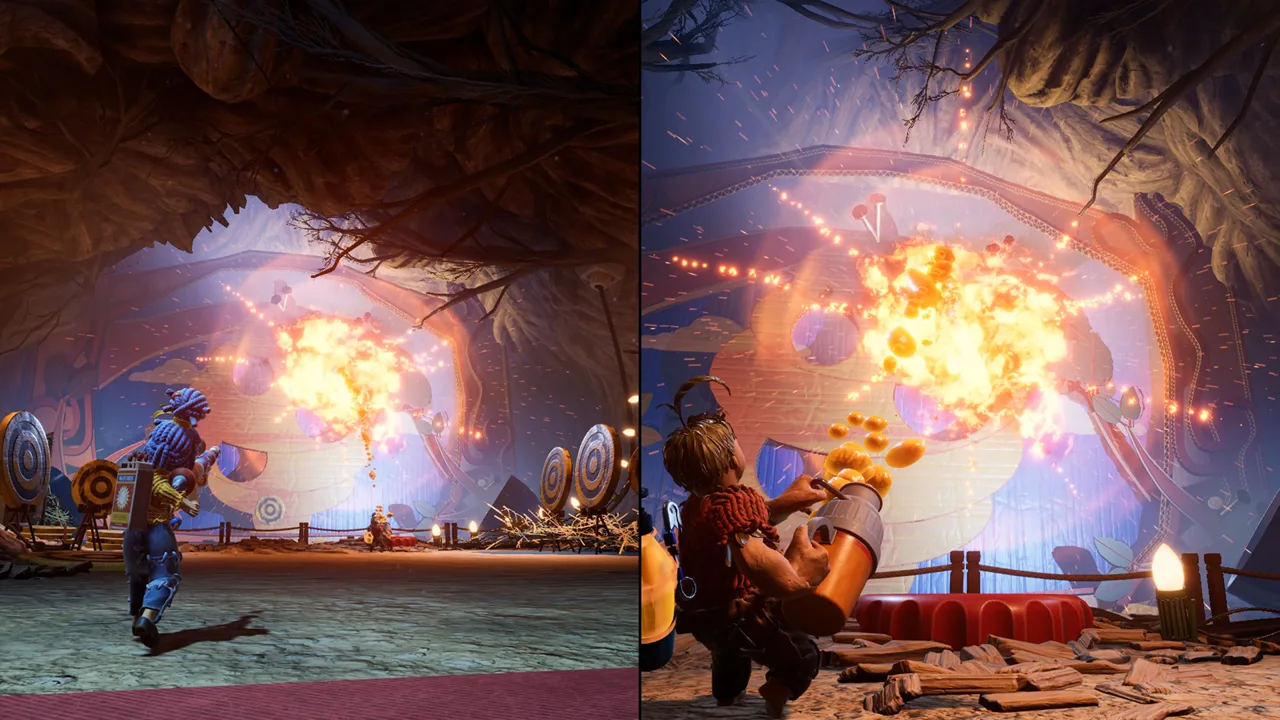
How to Fix It Takes Two Unable to Connect to EA Servers
The It Takes Two unable to connect to EA servers error can stop your co-op session before Cody and May even get moving. Getting past it starts with checking the connection method your version actually uses, because older launcher fixes no longer apply to every PC installation. If you’re stuck with It Takes Two unable to connect to EA servers, check service availability, your account sign-in, and the platform-specific steps below before reinstalling anything.
The error message alone doesn’t identify the cause. An online service interruption, a network problem, an account sign-in issue, or an incorrect Nintendo Switch clock calls for a different response.
Start by matching your situation to the next check:
| What you’re experiencing | What to check |
|---|---|
| Online services are experiencing an outage | Wait for service to return before retrying |
| Steam opens the game, but online play asks for an EA account | Complete the EA account linking prompt |
| Steam Friend’s Pass still launches the EA app | Check whether you installed the newer Steam Friend’s Pass |
| Nintendo Switch connects to the internet but the game won’t connect | Synchronize the system clock through the internet |
| Windows has connection problems beyond the game | Run the network troubleshooter and flush the DNS cache |
Check EA and your platform’s service notices before changing your setup. Reinstalling a launcher won’t resolve an outage that is still affecting online services.
Also separate a failed server connection from a failed invitation. If you can reach online features but your partner never receives an invite, move directly to the Steam and Friend’s Pass checks.
Check Steam Accounts, Friend’s Pass, and Cross-Play
Steam troubleshooting changed substantially with the May 2024 update. The current Steam version does not require the EA app launcher, but connecting to EA servers for online play still requires an EA account linked to Steam.
 Image: Steam / Hazelight Studios
That distinction matters when troubleshooting It Takes Two unable to connect to EA servers. Installing or repairing the EA app is unnecessary if your current Steam installation doesn’t use it.
Complete the online account prompt
Launch the game through Steam and select Play Online. If an EA account isn’t already linked, the game prompts you to link one.
Use the intended EA account. If an account problem appears, check the account identity before making changes to connections. Avoid unlinking accounts as an experimental fix: linking restrictions can make an account problem harder to resolve.
An ownership message also deserves separate attention. If the launcher says you don’t have access to the game, check whether you launched the full game or Friend’s Pass. Those are different installations with different roles in a co-op session.
Use the invitation method for your installation
Steam supports invitations through its friends list. You don’t need to add another Steam player to your EA friends list just to use that Steam invitation route.
The older EA app Friend’s Pass works differently:
| Your setup | Invitation route or requirement |
|---|---|
| Current Steam game with the newer Steam Friend’s Pass | Send and accept invitations through Steam friends |
| Steam player joining someone using the EA app | Choose EA Friends List in the game |
| Older Friend’s Pass that runs through the EA app | Use in-game EA invitations |
| Native online play through Steam | Link an EA account |
| Steam local play or Steam Remote Play Together | An EA account isn’t required |
If your partner’s Friend’s Pass still opens the EA app, install the newer Steam Friend’s Pass to use Steam friends invitations. The older installation can still work through the EA app, but it uses the EA invitation route.
Keep the game running while waiting for an EA invitation. Those invitations are visible while It Takes Two is open.
Update both games for cross-platform play
As of October 15, 2026, online cross-play supports:
Update both players’ games before attempting a cross-platform session. Older advice that online partners must always use the same platform no longer applies to these supported versions.
Friend’s Pass still requires ownership of the full game to play the complete adventure together. Have the owner launch the full game and the guest launch the appropriate Friend’s Pass, rather than having both players open guest installations.
Troubleshoot the Windows Connection
If accounts and invitations are set up correctly, move to Windows networking. The It Takes Two unable to connect to EA servers message can appear alongside a connection problem, so check whether Windows itself can identify an issue.
 Image: Steam / Hazelight Studios
Keep these changes separate from launcher repairs. A network troubleshooter checks connectivity; reinstalling the EA app addresses the launcher installation. Doing both at once makes it harder to tell which problem you resolved.
Flush the DNS cache
Clearing the DNS cache is a troubleshooting step to try when connecting to a service fails.
Follow this sequence:
| Step | Action |
|---|---|
| Open the Run dialog | Press Windows + R |
| Open Command Prompt | Type cmd and press Enter |
| Clear cached DNS entries | Enter ipconfig /flushdns |
| Check the result | Wait for the successful DNS cache flush message |
| Retry online play | Return to It Takes Two and try connecting again |
Type the command with a space between ipconfig and /flushdns.
A successful flush means Windows completed that operation. You still need to retry the game to find out whether it resolved your connection problem.
Run the Windows network troubleshooter
Open Windows Settings, go to Network & Internet, and run the network troubleshooter. Use its findings to address any connection problem before returning to the game.
If Windows identifies a broader internet issue, work on that first. Changing invitation settings won’t repair a connection that Windows is already struggling to use.
DNS configuration is another networking area to review, but avoid entering unfamiliar server addresses just because they appear in an old tutorial. Keep track of your existing configuration before changing it, and retry the game after each change.
If It Takes Two unable to connect to EA servers continues after Windows connectivity checks, return to the account and installation checks. Repeatedly flushing DNS won’t resolve an incorrect account or the wrong Friend’s Pass invitation route.
Fix Nintendo Switch Connection and Clock Problems
On Nintendo Switch, check both the internet connection and the system clock. An incorrect date or time can interfere with connecting, even when the console otherwise appears ready to go online.
 Image: Steam / Hazelight Studios
Start with the built-in connection test, then synchronize the clock:
| Check | What to do |
|---|---|
| Internet connection | Open System Settings → Internet → Test Connection |
| Connection test reports a problem | Resolve that connection issue before retrying the game |
| System date and time | Enable synchronization of the clock through the internet |
| After synchronizing | Restart It Takes Two and try online play again |
Clock synchronization is especially relevant if you previously changed the console’s date or time manually. Check it even if you don’t remember changing it recently.
For It Takes Two unable to connect to EA servers on Switch, complete the connection test before assuming the clock is responsible. If the test fails, that gives you a connection problem to address first.
After synchronizing the clock, restart the game before testing again. That keeps the retry consistent with the corrected system time.
Keep these original Nintendo Switch troubleshooting steps separate from the cross-play platform list above, which includes Nintendo Switch 2.
Handle EA App Problems Without Repeating Outdated Fixes
The It Takes Two unable to connect to EA servers error has been around longer than Steam’s launcher changes. That means an older troubleshooting sequence can send you toward software your current version no longer needs.
First identify what actually launches when you start the game:
- Current Steam version: Focus on Steam, the in-game EA account prompt, and the appropriate invitation method.
- EA app version: Check whether the EA app itself opens and accepts your account credentials.
- Older EA app Friend’s Pass: Use EA invitations, or move to the newer Steam Friend’s Pass for Steam invitations.
If your installation uses the EA app, open the app directly and try signing in before launching It Takes Two. A failed launcher sign-in gives you an account or launcher problem to resolve before attempting another co-op invitation.
Reinstalling the EA app is a later option for an installation that actually depends on it. It won’t repair an ongoing service outage, and it isn’t a required step for the current Steam release.
Avoid combining a reinstall with account unlinking, save-folder deletion, or account replacement. Those changes add complications without helping you identify why the original connection failed.
Use another supported co-op mode
If you want to keep playing together while sorting out native online connectivity, the Steam version supports local co-op and Steam Remote Play Together without an EA account.
Local co-op gives you a way to play on the same system.
Use these modes as alternatives rather than as proof that EA connectivity is fixed. Successfully starting local play tells you the game can run locally. It doesn’t test the EA account connection used by native online co-op.
If the problem persists, write down the exact error message, your platform, whether you’re using the full game or Friend’s Pass, and the point where the connection fails. Bring those details to support so the next troubleshooting step addresses your actual setup.
FAQ
Why does It Takes Two unable to connect to EA servers happen on Steam without the EA app?
The Steam version no longer needs the EA app launcher, but native online play still requires an EA account linked to Steam. Select Play Online and complete any account-linking prompt. Also check service availability and your network connection.
Do both players need to buy It Takes Two?
No. Friend’s Pass lets a guest join someone who owns the full game for the complete adventure. The guest needs the appropriate Friend’s Pass installation and platform account. On Steam, the newer Friend’s Pass supports Steam friends invitations.
Can incorrect Nintendo Switch time cause a connection problem?
Yes. Synchronizing the Switch clock through the internet and restarting the game can resolve this connection issue. Run System Settings → Internet → Test Connection as well, so you address any network problem before retrying online play.
Does It Takes Two support cross-platform online play?
Yes. Since October 15, 2026, cross-play supports PC, Xbox Series X|S, Xbox One, PlayStation 5, PlayStation 4, and Nintendo Switch 2. Update both players’ games before connecting, and make sure the full-game owner and Friend’s Pass guest launch their respective installations.
Continue with
 It Takes Two Doesn't Recognize DualSense Controller: FixesIt Takes Two doesn't recognize dualsense controller? Fix Steam Input, check USB connections, and set up your second player on PC or PS5 to resume co-op.
More in Troubleshooting
See all Troubleshooting
Continue exploring
Join the community
Official channels for news, updates and player help: