
It Takes Two Friend Pass: How to Play Together Free
Use the It Takes Two friend pass to play the full adventure with one copy. Learn setup, Steam invites, cross-play, and Switch options before you team up.
Jump to
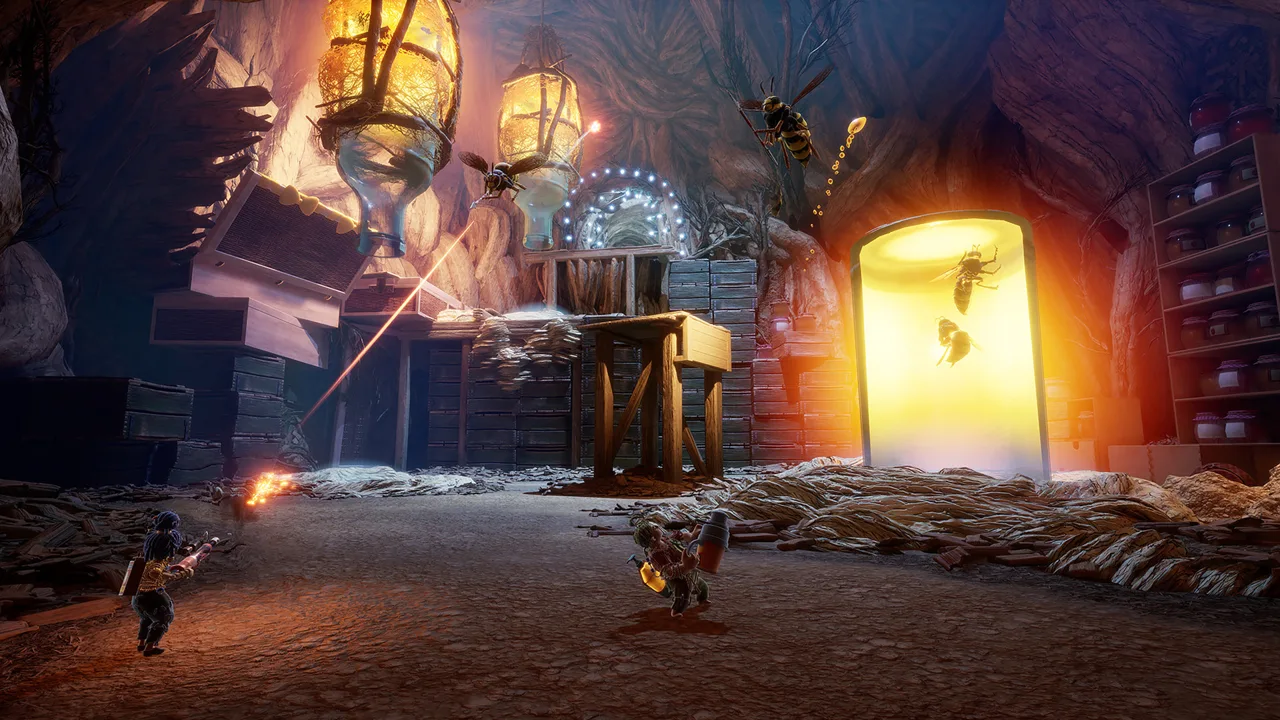
How Does the It Takes Two Friend Pass Work?
One copy of It Takes Two is enough to bring both of you along for the entire adventure. The It Takes Two friend pass lets your partner join online without buying another copy, so you can tackle Cody and May’s journey together. Download the It Takes Two friend pass, accept the owner’s invitation, and you can play beyond the opening level alongside them.
The arrangement is straightforward: one player owns the full game, and the other installs the free Friend’s Pass on their own system. The owner starts the online session and invites their partner. Both players participate in the co-op campaign, with its shared puzzles, platforming challenges, and changing character abilities.
| Your setup | What you can play |
|---|---|
| One player owns the full game; the other has Friend’s Pass | The entire adventure together through online co-op |
| Neither player owns the game, using the PlayStation Friend’s Pass trial | The first level |
| Both players share one system with the full game | Local split-screen co-op through Play Local |
Friend’s Pass does not give the guest an independent copy of the full game. Access to the entire campaign comes from joining someone who owns it. That distinction matters when you see a download labeled “Free Trial”: the PlayStation Friend’s Pass can provide access to the whole adventure when you join a full-game owner.
You also need a partner to play. It Takes Two is built around two people controlling Cody and May, using different abilities to help each other move forward.
How to Download Friend’s Pass and Join Your Friend
Start by deciding who will host. The player with the full game handles the invitation; the guest downloads Friend’s Pass.
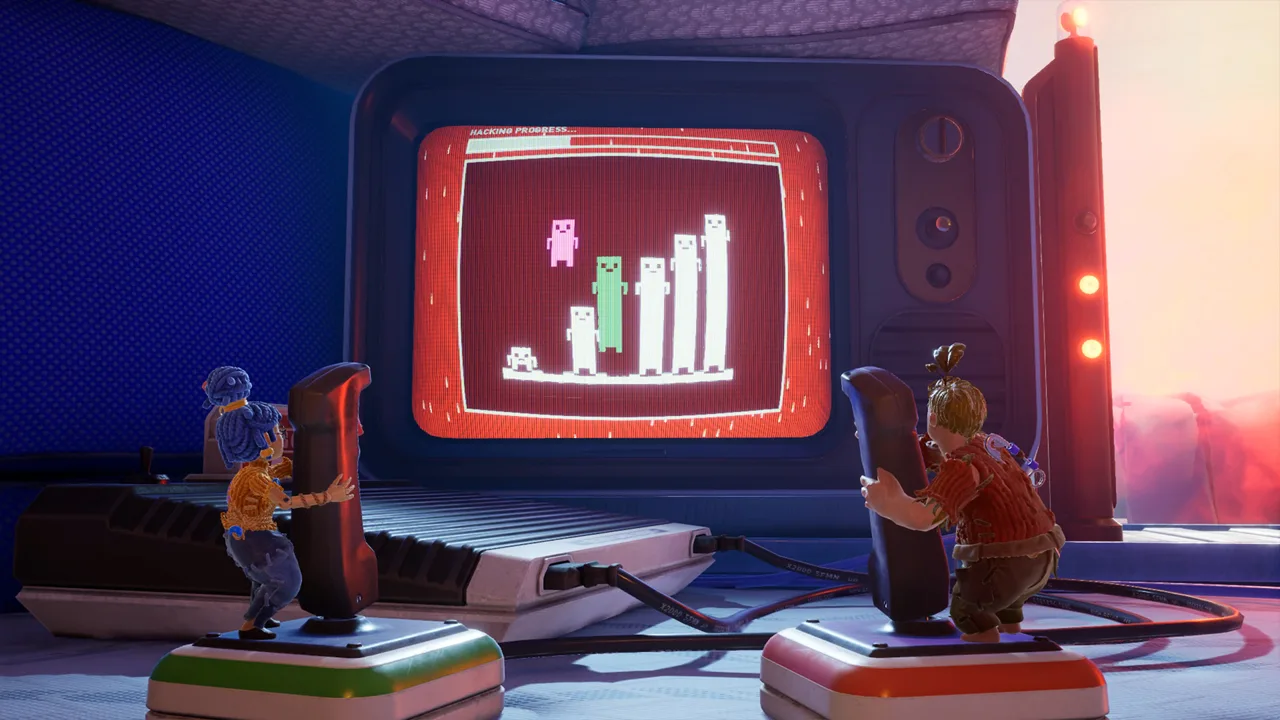 Image: Steam / Hazelight Studios
For Steam, use the It Takes Two Friend’s Pass download page. On consoles, search your platform’s store for It Takes Two and select the Friend’s Pass version. PlayStation has separate PS4 and PS5 downloads, so check the platform label before installing.
| Step | Full-game owner | Friend’s Pass player |
|---|---|---|
| Install | Install the full game | Install the free Friend’s Pass |
| Prepare | Update the game to the latest version | Update Friend’s Pass to the latest version |
| Launch | Open the game and select Play Online | Open Friend’s Pass |
| Connect | Choose Invite a Friend and send an invitation | Accept the invitation |
| Start | Select the level once both players are in the lobby | Join the co-op adventure |
For online console play, both players need the applicable platform’s online membership. PlayStation online play requires PS Plus. The free download covers the guest’s game access; it does not replace console multiplayer requirements.
On Steam, online play also requires an EA account linked to your Steam account. Selecting Play Online prompts you to link one if you have not already done so.
Give your partner time to finish installing before sending the invitation. Friend’s Pass runs the adventure on the guest’s system, so plan for a game-sized installation. The Steam version requires 50 GB of available storage, along with a broadband internet connection.
Check These Details Before You Start
Use this short checklist to keep the setup focused:
- Confirm that the host installed the full game.
- Confirm that the guest installed Friend’s Pass for their system.
- Update both installations before trying cross-play.
- Check the required online memberships for console play.
- On Steam, complete the EA account link for online sessions.
The It Takes Two friend pass setup becomes much easier once you separate those requirements: the game license, the guest download, and access to online multiplayer each serve a different purpose.
Does It Takes Two Friend Pass Support Cross-Play?
 Image: Steam / Hazelight Studios
Yes. As of the October 15, 2026 update, It Takes Two supports online cross-play across PC, PlayStation, Xbox, and Nintendo Switch 2. Update your game to the latest version before playing across platforms.
That changes the answer for anyone returning after an earlier playthrough. You no longer need to limit your partner search to the same console family on the supported versions.
| Platform or pairing | Current online compatibility |
|---|---|
| PC | Cross-play with the supported PlayStation, Xbox, and Nintendo Switch 2 versions |
| PS4 and PS5 | Included in the October 15, 2026 cross-play update |
| Xbox One and Xbox Series X|S | Included in the October 15, 2026 cross-play update |
| Nintendo Switch 2 edition | Included in cross-play with PC, PlayStation, and Xbox |
| Original Nintendo Switch with Nintendo Switch 2 | Use the original Nintendo Switch edition on Switch 2 for online play together |
The supported cross-play group includes PC, PS4, PS5, Xbox One, Xbox Series X|S, and Nintendo Switch 2. The original Nintendo Switch edition uses a separate route when connecting with a Switch 2 player.
For example, a PS5 owner and a PC Friend’s Pass player can use the updated cross-play support. A player on the original Nintendo Switch and a partner on Switch 2 should instead use the original Switch edition on the Switch 2 system for their online session.
Original Switch and Switch 2: Choose the Edition Carefully
Owners of the original Nintendo Switch version can upgrade to the Nintendo Switch 2 edition for free. Switch 2 players can also download the original Nintendo Switch edition from the Nintendo eShop for free to play online with someone using the original Switch.
There is a local option as well: original Switch and Switch 2 players can play together through GameShare.
Check the edition before you invite your partner. “Nintendo Switch” and “Nintendo Switch 2” identify different versions here, and choosing the version that matches your intended connection matters more than simply having the same game title installed.
For the It Takes Two friend pass, keep the cross-play update and this original-Switch exception in mind when planning your session.
Steam Friend’s Pass: Invites, EA Accounts, and Downloads
Steam players have a simpler launch process than the original PC release required. Since the May 29, 2024 update, the Steam version no longer needs the EA App launcher, and invitations can go directly through the Steam friends list.
 Image: Steam / Hazelight Studios
An EA account is still required for connecting to EA servers during online play. Removing the launcher requirement did not remove that account requirement.
| PC setup | Invitation method | Account or launcher detail |
|---|---|---|
| Steam players using the newer Steam Friend’s Pass | Invite through the Steam friends list | EA account linking is required for online play; EA App launcher is unnecessary |
| Steam player connecting with an EA App player | Select EA Friends List in-game | Add the partner’s EA account and send an EA invitation |
| Player using the older EA App Friend’s Pass | Use in-game EA invitations | The older version continues to run through the EA App |
If both of you use Steam, install the current Steam Friend’s Pass to use Steam invitations without the EA App launcher.
The older EA App Friend’s Pass still works through the EA App. However, sending and accepting invitations through the Steam friends list requires the newer Steam version.
Playing Between Steam and the EA App
A Steam owner can still play with someone using the EA App. Choose EA Friends List inside the game, add your partner’s EA account, and send the invitation through EA.
Keep It Takes Two running on the receiving player’s system: invitations sent through EA are visible while the game is open. Check that in-game invitation route when you are connecting across those PC storefronts.
The It Takes Two friend pass does not require both PC players to abandon their existing storefront. Choose the invitation method that fits the versions you have installed.
Steam also supports Remote Play Together, which offers another way to share the co-op experience. Local play and Steam Remote Play Together do not require an EA account.
Local Co-Op and Fixes for Common Setup Mix-Ups
If you are sitting together at one system, launch the full game and choose Play Local. Connect a second controller and play in split screen. You do not need to set up an online Friend’s Pass invitation for that arrangement.
Nintendo also offers Play Local Wireless and GameShare options. Choose the local mode that matches your Nintendo setup before working through online account requirements.
Once you are playing, pay attention to your partner’s abilities. Cody and May receive connected tools throughout the adventure, and the challenges ask you to work together. Talk through what each character can do before attempting a puzzle sequence.
Match the Fix to Your Setup
The download says “Free Trial.” On PlayStation, Friend’s Pass uses that label. Join a player who owns the full game to access the entire adventure together.
Steam still opens the EA App. Install the newer Steam Friend’s Pass if you want to play without that launcher. The older pass continues to use the EA App.
You are connecting Steam with the EA App. Use the in-game EA Friends List rather than relying on Steam invitations.
An EA invitation is missing. Keep the receiving player’s game running, then check for the EA invitation.
You are playing across console brands. Update both installations for the October 15, 2026 cross-play support.
One player has an original Nintendo Switch. Have the Switch 2 player use the original Switch edition for online play together.
Before buying a second copy, check these setup details. The It Takes Two friend pass already gives your guest access to the full campaign when they join you.
FAQ
Is the It Takes Two friend pass really free?
Yes. Friend’s Pass is free to download, and the guest can play the entire adventure with someone who owns the full game. Console online multiplayer memberships are separate requirements.
Can we play if neither of us owns It Takes Two?
The PlayStation Friend’s Pass trial lets you play the first level without owning the full game. To continue through the entire adventure together, one player needs to own the full game.
Can PS5 and PC players use Friend’s Pass together?
Yes. The October 15, 2026 update added cross-play between PC, PS4, PS5, Xbox One, Xbox Series X|S, and Nintendo Switch 2. Update both players’ installations before starting.
Do Steam players need the EA App for Friend’s Pass?
The newer Steam Friend’s Pass does not require the EA App launcher. Online play still requires a linked EA account. If you use the older EA App Friend’s Pass, it continues to run through the EA App and uses EA invitations.
Continue with
 It Takes Two Local Co Op: Easy Split-Screen Setup GuideSet up It Takes Two local co op with PC and PS5 controller steps, split-screen tips, and answers about Friend's Pass. Start playing together on one screen.
More in Coop
It Takes Two Can You Play Alone? Solo Play Explained
It Takes Two can you play alone? Explore solo play limits, two-controller challenges, Friend’s Pass, and ways to team up locally or online with a partner.
It Takes Two Cross Platform: Play With Friends in 2026
It Takes Two cross platform play connects PC, PlayStation, Xbox, and Switch 2. Learn how the update, Friend's Pass, and Steam invites work before you play.
It Takes Two Online Co Op: Friend's Pass & Crossplay
Set up It Takes Two online co op with Friend's Pass, learn which platforms support crossplay, and fix Steam invites so you can start playing together.
Join the community
Official channels for news, updates and player help: