
It Takes Two Can You Play Alone? Solo Play Explained
It Takes Two can you play alone? Explore solo play limits, two-controller challenges, Friend’s Pass, and ways to team up locally or online with a partner.
Jump to
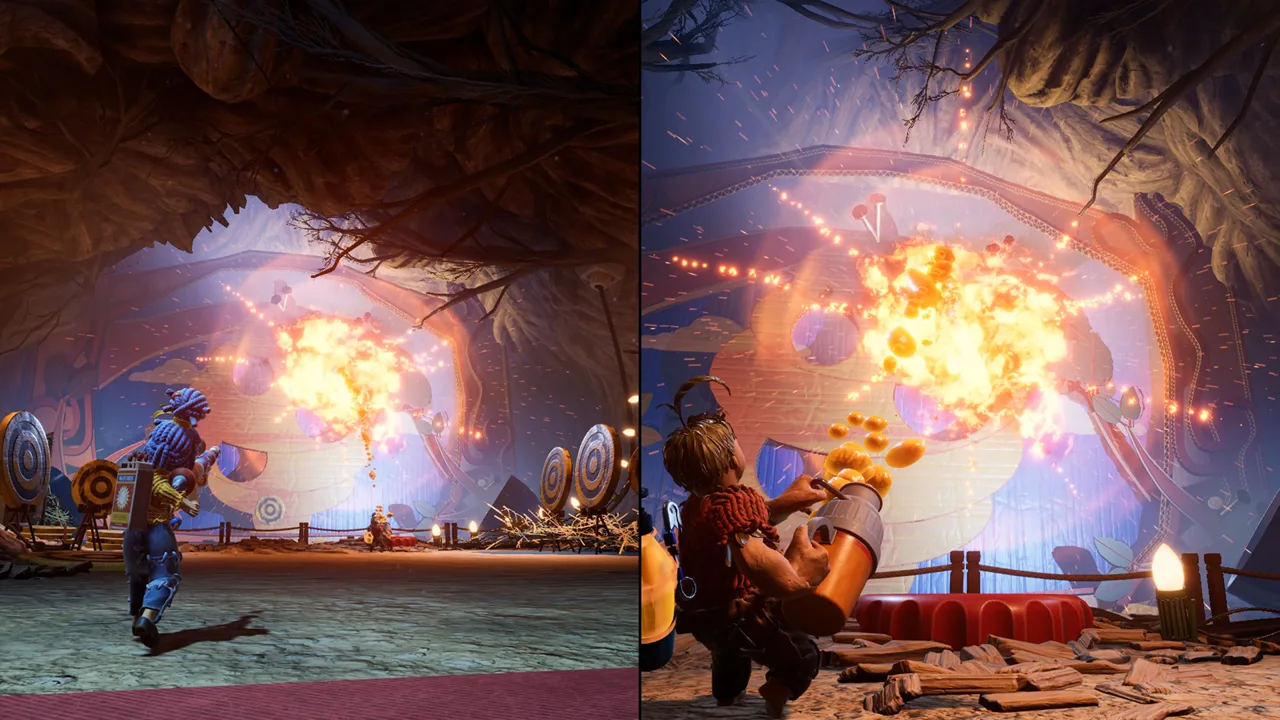
Can You Play It Takes Two Alone?
Thinking about exploring Cody and May’s adventure without recruiting a partner? If you’re asking “It Takes Two can you play alone,” the practical answer is that there’s no single-player mode or AI companion. The twist behind “It Takes Two can you play alone” is that completing it yourself is possible—but you must control both characters.
That distinction matters before you buy. You cannot select Cody, leave May to the computer, and enjoy a conventional solo campaign. Every level expects two active player roles, whether those inputs come from two people or one exceptionally determined person.
EA and Hazelight built the adventure around local and online co-op. Solo completion turns that design into a demanding coordination challenge.
| Question | Answer |
|---|---|
| Is there a single-player campaign? | No; the campaign is built for two-player co-op. |
| Can an AI partner control the other character? | No; neither character has an AI substitute. |
| Can one person control both characters? | Yes, using separate player inputs and handling both roles. |
| Can you finish using only one character? | Certain sections can be bypassed, but completing the adventure still requires both roles. |
| Do both players need to buy the game? | No; Friend’s Pass allows a partner to join an owner’s adventure for free. |
For “It Takes Two can you play alone,” separate supported single-player play from a solo co-op challenge. The former is absent; the latter has been completed.
If your goal is to relax and follow the story, arrange a partner. If your goal is to test your multitasking, controlling both sides offers a very different challenge.
Why Cody and May Both Need Active Controls
Cody and May receive different abilities that work together. Their powers change throughout the adventure, so a technique that gets you through one room might do little for the next.
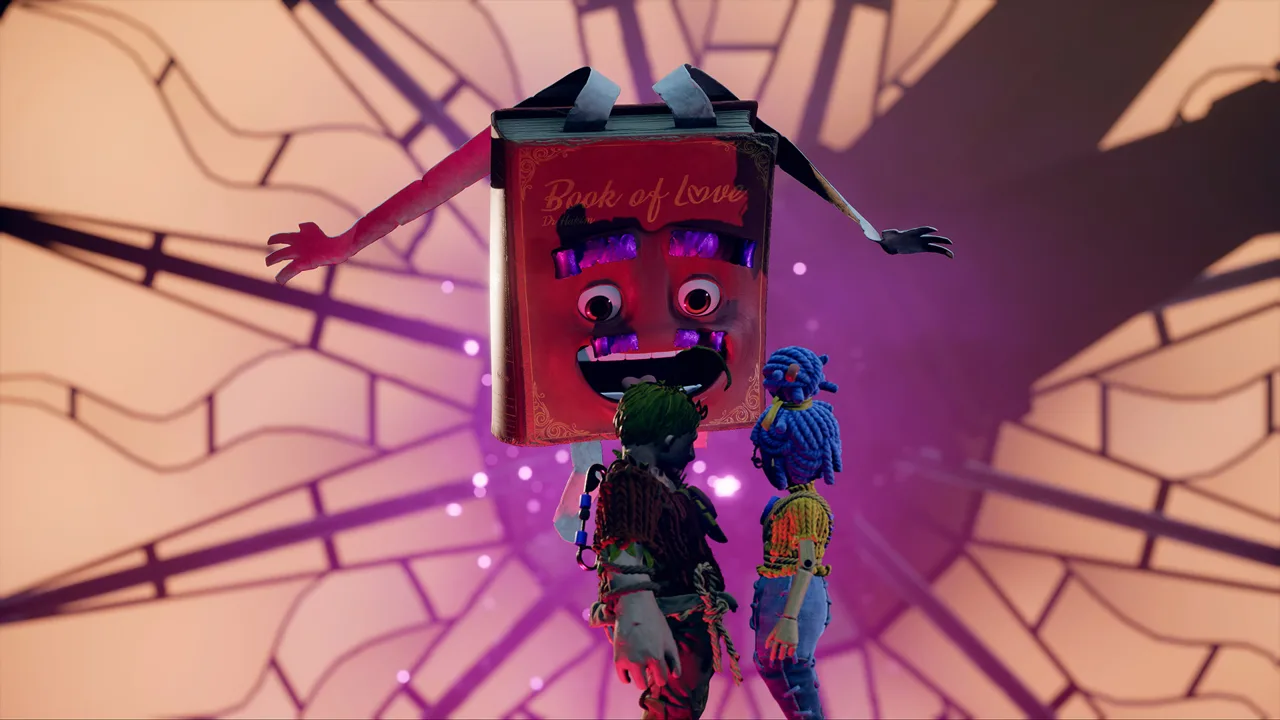 Image: Steam / Hazelight Studios
Sometimes one character can wait while the other moves. Elsewhere, both must act within a short window—or keep performing different actions simultaneously.
Early vacuum puzzles illustrate the difference. One character handles a hose while the other travels through it. You can handle some of these exchanges by positioning one character, switching controls, and moving the other. The vacuum boss adds aiming, incoming projectiles, and limited opportunities to return fire.
| Section or mechanic | How the roles connect | What makes solo control difficult |
|---|---|---|
| Vacuum equipment | Characters handle different parts of the suction-and-launch setup | You must switch between positioning, collecting projectiles, and aiming. |
| Hammer and nails | Cody places nails that support May’s hammer-based traversal | Platforming and timed support actions compete for your attention. |
| Sap and matches | Cody coats targets with sap; May ignites it | You must aim with both characters while managing enemy attacks. |
| Time manipulation | Cody manipulates time while May uses the route and her teleport ability | Holding one input can overlap with movement and jumping on the other character. |
| Magnets | Both characters use magnetic abilities to help each other progress | Some sections require sustained inputs alongside movement. |
This is why “It Takes Two can you play alone” involves more than connecting another controller. The game keeps changing what your hands need to do.
Identify both jobs before attempting a timed sequence. Decide which character needs movement, which needs a held action, and when you must switch attention. Practice those roles separately wherever the puzzle allows it.
Avoid treating the idle character as irrelevant. A character left exposed during combat can become the immediate problem while you’re busy aiming or platforming with the other.
How Solo Co-op Runs Actually Work
Solo runs use the game’s two-player structure. You still occupy both player slots; you simply provide all the inputs yourself.
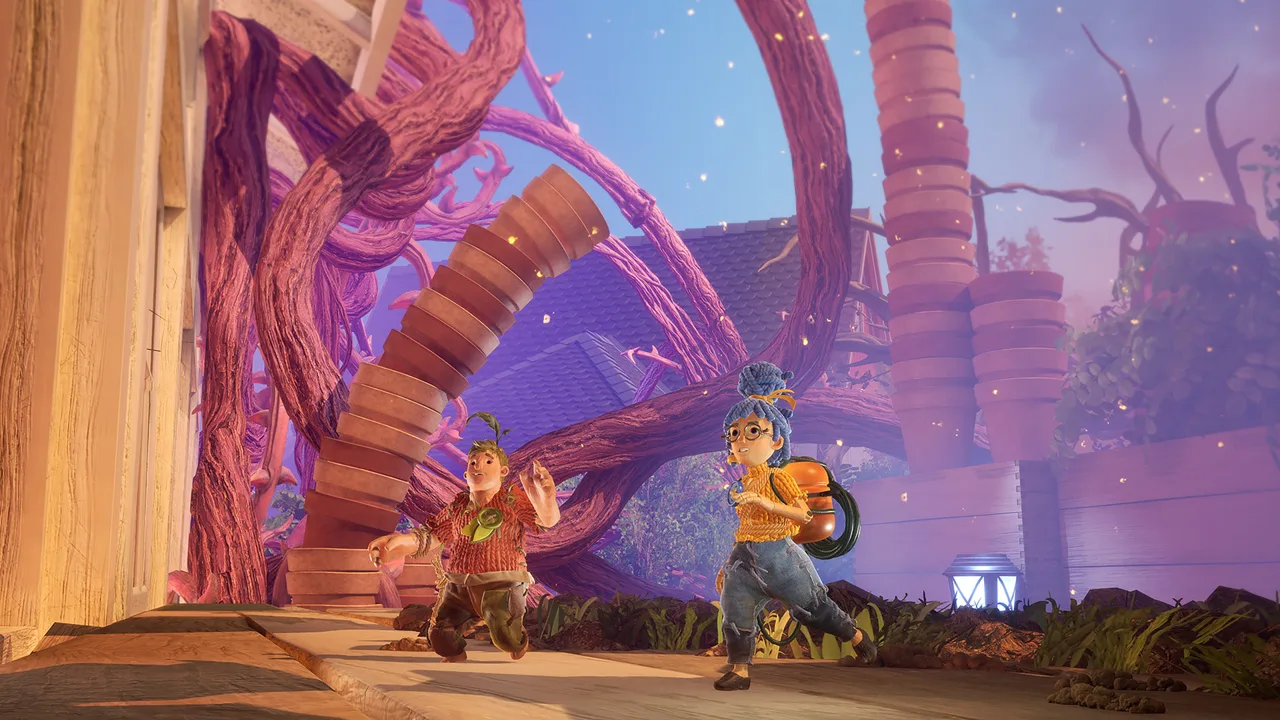 Image: Steam / Hazelight Studios
Two controllers are one demonstrated setup. On PC, a keyboard-and-mouse setup for one character and a controller for the other is another. Neither arrangement adds an AI assistant or changes the puzzles into single-player versions.
For anyone taking “It Takes Two can you play alone” as a personal challenge, the workload falls into three broad categories.
Switching Between Characters
The manageable stretches let you complete one action before handling the other character.
Move Cody into position, switch to May, perform her action, then return to Cody. This works when the level gives you enough time and the waiting character can remain stationary.
Start by learning which device controls which character. Confusing them during a quiet puzzle is inconvenient; confusing them during a boss attack can undo your setup.
Keep the devices within easy reach, and rehearse the handoff before committing to a timed jump.
Operating Both Characters Together
Other sections require overlapping inputs. One character might need to hold an ability while the other moves, jumps, aims, or adjusts the camera.
The plane sequence makes that split especially clear: Cody pilots while May handles threats. Steering cannot be forgotten just because combat demands your attention.
Later platforming presents another test. May’s singing raises platforms, while Cody still needs to cross them. Fast controller swapping alone does not solve every moment; you must coordinate the necessary actions across both roles.
Check the stationary character’s needs before moving the active one. If the first role requires a continuous input, plan how to maintain it throughout the second character’s movement.
Using Speedrunning Shortcuts
Solo co-op speedruns also use advanced movement and exploits. These include extended jumps, wall clipping, and routes that bypass substantial sections.
Some shortcuts let one character trigger the next sequence and bring the other along. Others skip puzzles or boss phases. They require precise positioning and knowledge of the route, rather than simply leaving a character behind.
Distinguish shortcut-based runs from attempts to play through the normal encounters. A route that avoids a difficult fight does not teach you how to manage that fight with both characters.
Learn ordinary movement and the paired abilities before attempting elaborate skips. Keep the challenge focused on a section you understand instead of trying to improvise simultaneous controls and an unfamiliar exploit.
How to Play With a Partner Without Buying Two Copies
Friend’s Pass removes a major obstacle to finding a teammate: your partner does not need to purchase the full game.
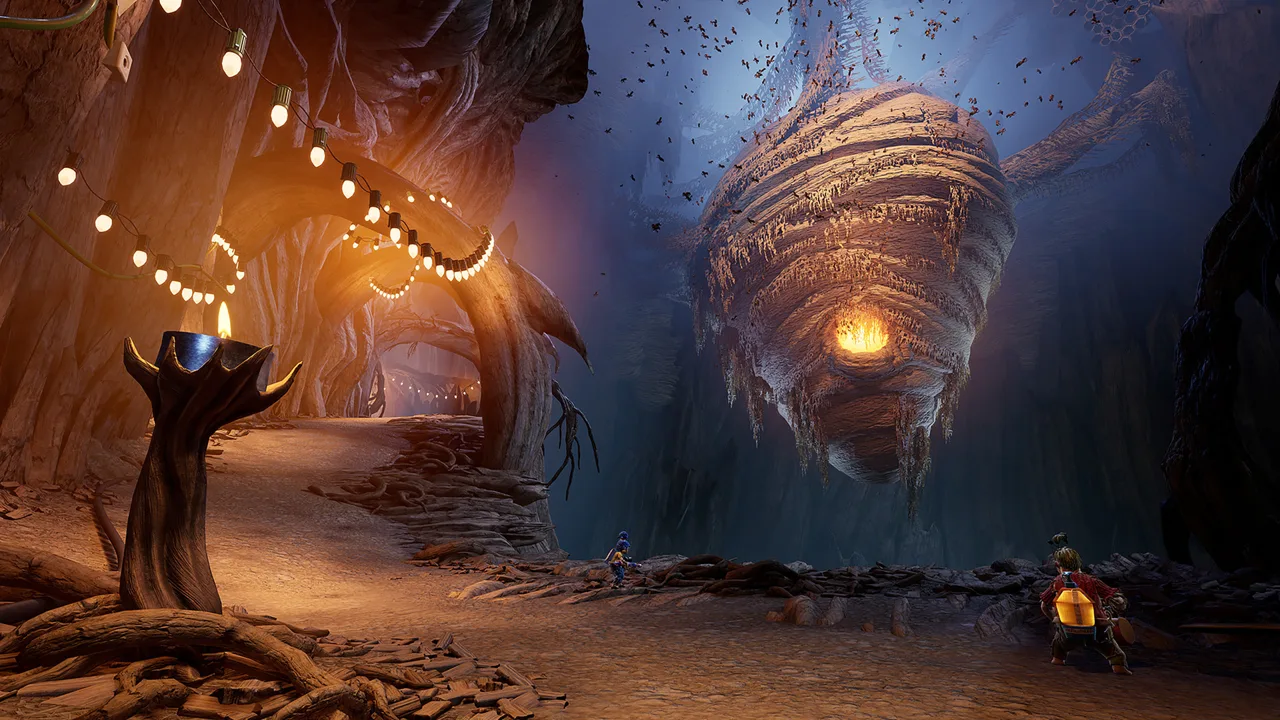 Image: Steam / Hazelight Studios
One player owns the adventure, and the other installs Friend’s Pass to join online. You still need another person, but you can invite someone who has been curious about the game without asking them to buy it first.
For players asking “It Takes Two can you play alone” because nobody else owns it, this is the feature to try.
| Play option | Basic setup | Who controls Cody and May? |
|---|---|---|
| Local co-op | One system with separate player inputs | Two people play together on the same system. |
| Online co-op with Friend’s Pass | An owner hosts; the partner installs Friend’s Pass | Each person controls a character remotely. |
| Steam Remote Play Together | A Steam owner shares the local co-op session remotely | Two people provide inputs to the shared session. |
| Solo co-op challenge | One person operates both player slots | You control both characters yourself. |
For couch co-op, gather the required controllers or supported PC inputs before starting. Most gameplay uses split-screen, allowing each player to follow their own character while seeing what their partner is doing.
For online play, coordinate the setup first:
- Choose who owns and hosts the full game.
- Have the other player install Friend’s Pass.
- Update the game before connecting.
- Agree on a time when both of you can play.
- Explain whether you want to explore or move through objectives quickly.
There is no built-in matchmaking to assign you a random teammate. Arrange a partner yourself, whether that’s a friend, family member, or someone looking for a co-op session.
When finding a partner, state your platform, region, availability, and voice-chat preference. Those details help you arrange a session you can both attend.
You can find the game and its purchase options on the official It Takes Two website.
Online Play, Cross-Play, and Steam Setup
Online compatibility matters when your potential partner plays elsewhere. The October 15, 2026 update added cross-play between PC, Xbox Series X|S, Xbox One, PlayStation 5, PlayStation 4, and Nintendo Switch 2.
Update both games before trying to connect. Keep Nintendo Switch and Nintendo Switch 2 distinct when checking compatibility: the cross-play update names Nintendo Switch 2.
| Platform or feature | Relevant behavior |
|---|---|
| PC, Xbox Series X|S, Xbox One, PS5, PS4, and Nintendo Switch 2 | Included in the October 15, 2026 cross-play update |
| Steam invitations | Supported directly through the Steam friends list |
| Steam online play through EA servers | Requires an EA account linked to Steam |
| Steam local play and Remote Play Together | Do not require an EA account |
| New Steam Friend’s Pass | Supports Steam invitations without requiring the EA App launcher |
Steam’s May 2024 update also removed the EA App launcher requirement for the Steam game. That change did not remove the linked EA account requirement for connecting to EA servers online.
If your partner uses the older EA App Friend’s Pass, install the newer Steam Friend’s Pass to use Steam friends invitations without the EA App. The older version continues to use the EA invitation route.
For a friend playing through the EA App, use the in-game EA Friends List option. EA invitations are visible while It Takes Two is running, so have both players open the game before checking for the invite.
These options give “It Takes Two can you play alone” a more useful follow-up: can you connect with someone who already wants to play? Check ownership, platform compatibility, and the invitation method before taking on two sets of controls yourself.
FAQ
It Takes Two can you play alone without a second controller?
There is no single-player mode. On PC, you can use keyboard and mouse for one player and a controller for the other, so two controllers are not essential. However, one person attempting the adventure must still operate both characters.
Does It Takes Two have an AI partner?
No. Cody and May both require player input. The game does not supply a computer-controlled teammate to solve puzzles, fight enemies, or perform the other character’s timed actions.
Can a friend play the full adventure for free?
Yes. Friend’s Pass lets a partner join someone who owns the full game without buying another copy. The joining player needs Friend’s Pass installed and the applicable account setup for online play.
Is playing It Takes Two alone worth attempting?
Attempt it if managing two characters is the challenge you want. Expect controller switching, simultaneous inputs, and repeated attempts at demanding sections. For a straightforward playthrough of Cody and May’s story, recruit a partner through local co-op or Friend’s Pass.
Continue with
 It Takes Two Cross Platform: Play With Friends in 2026It Takes Two cross platform play connects PC, PlayStation, Xbox, and Switch 2. Learn how the update, Friend's Pass, and Steam invites work before you play.
More in Coop
It Takes Two Friend Pass: How to Play Together Free
Use the It Takes Two friend pass to play the full adventure with one copy. Learn setup, Steam invites, cross-play, and Switch options before you team up.
It Takes Two Local Co Op: Easy Split-Screen Setup Guide
Set up It Takes Two local co op with PC and PS5 controller steps, split-screen tips, and answers about Friend's Pass. Start playing together on one screen.
It Takes Two Online Co Op: Friend's Pass & Crossplay
Set up It Takes Two online co op with Friend's Pass, learn which platforms support crossplay, and fix Steam invites so you can start playing together.
Join the community
Official channels for news, updates and player help: